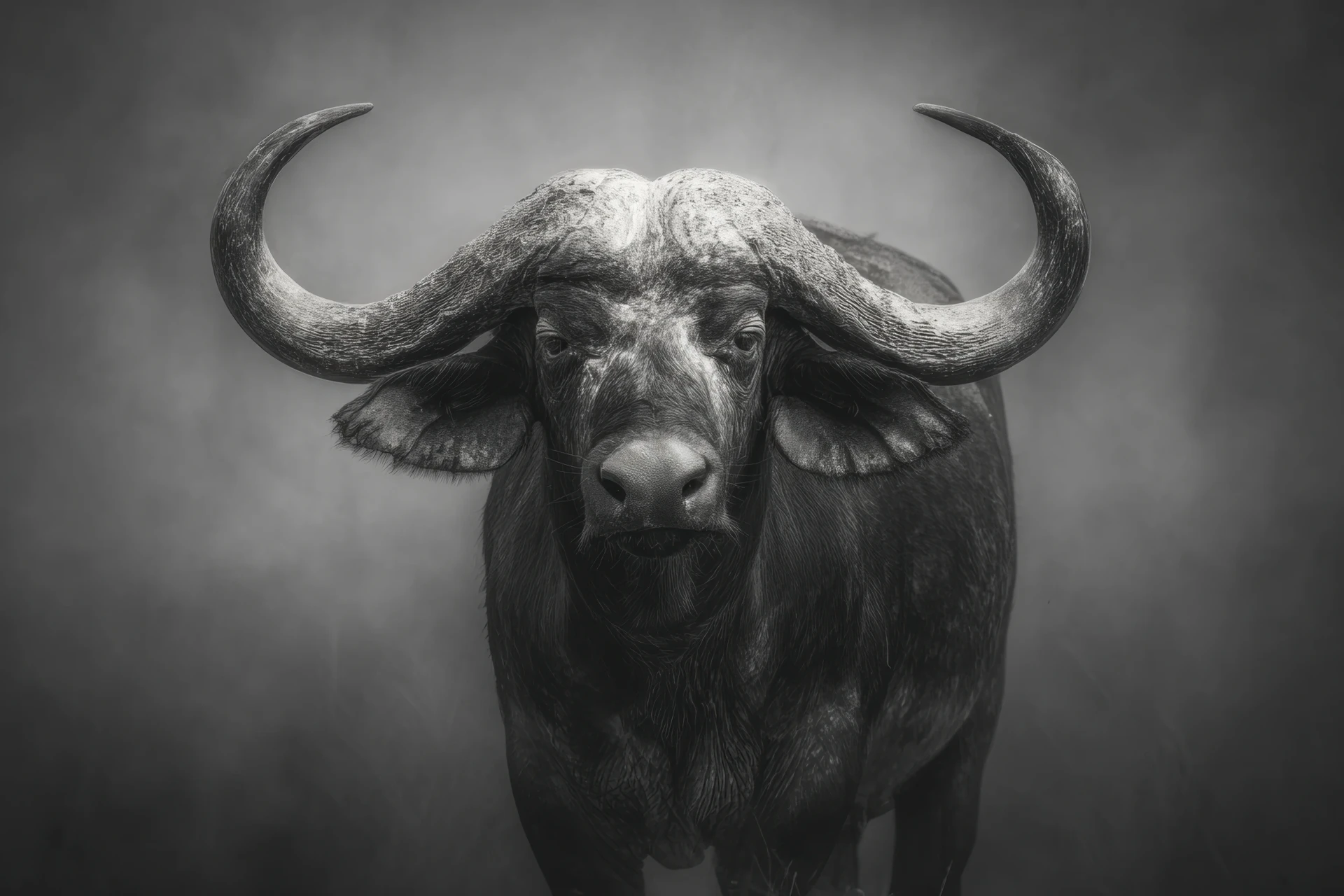


You have bought a file and want it on the wall. Between that file and a print that looks right there are three choices: how large, on which paper, and who prints it. Here is what matters for each.
How large can it go?
That depends on the number of pixels, not the number of megabytes. Open the file and look at its size in pixels. Divide that by the print resolution and you know how many centimetres you can print sharply.
The rule of thumb is 300 pixels per inch for something you look at up close, like a print on a desk or in a hallway. For a large print above a sofa, which you see from two or three metres away, 150 pixels per inch is enough. At that distance your eye cannot tell the difference.
A worked example with a side of 3840 pixels, the width of a 4K image:
- at 300 pixels per inch: 3840 / 300 = 12.8 inches, about 32 cm
- at 150 pixels per inch: 25.6 inches, about 65 cm
Our files go up to 4K. Work it out with the pixels of the piece you have, because the proportions differ per image: in a portrait the long side is the height.
Which paper?
Matte paper does not reflect, and it suits most of the work in the collection, especially the dark pieces such as Hades, Medusa and Loki. On glossy paper those images mostly show you your own lamp. Gloss does make colours brighter. For a colourful piece like the Bird made of stained glass that can be a reason to choose it, as long as it does not hang opposite a window.
Choose paper of at least 200 gsm. Thinner paper ripples inside a frame, especially in a room that gets damp.
For the black and white series, a slightly off-white paper often looks better than bright white: the greys turn warmer. Bright white keeps them cool. Both are right; it is a matter of taste.
Print at home or use a service?
A good photo printer at home manages A4 and sometimes A3. Beyond that you need a print service, online or in town. Ask whether they print on photo or fine art paper. Plain copy paper from a laser printer does not do justice to an image with a lot of detail in the dark areas.
The files are sRGB. That is the colour space home printers and most print services expect, so there is nothing to convert. If a printer asks about CMYK, let them do the conversion. They know which profile belongs to their machine.
After printing
Let the ink dry for a day before putting the print behind glass. Do not hang it in direct sunlight: every ink fades there in time.
If something goes wrong, print it again. For personal use you may print a piece as often as you like, and you can download the file five times after purchase.